
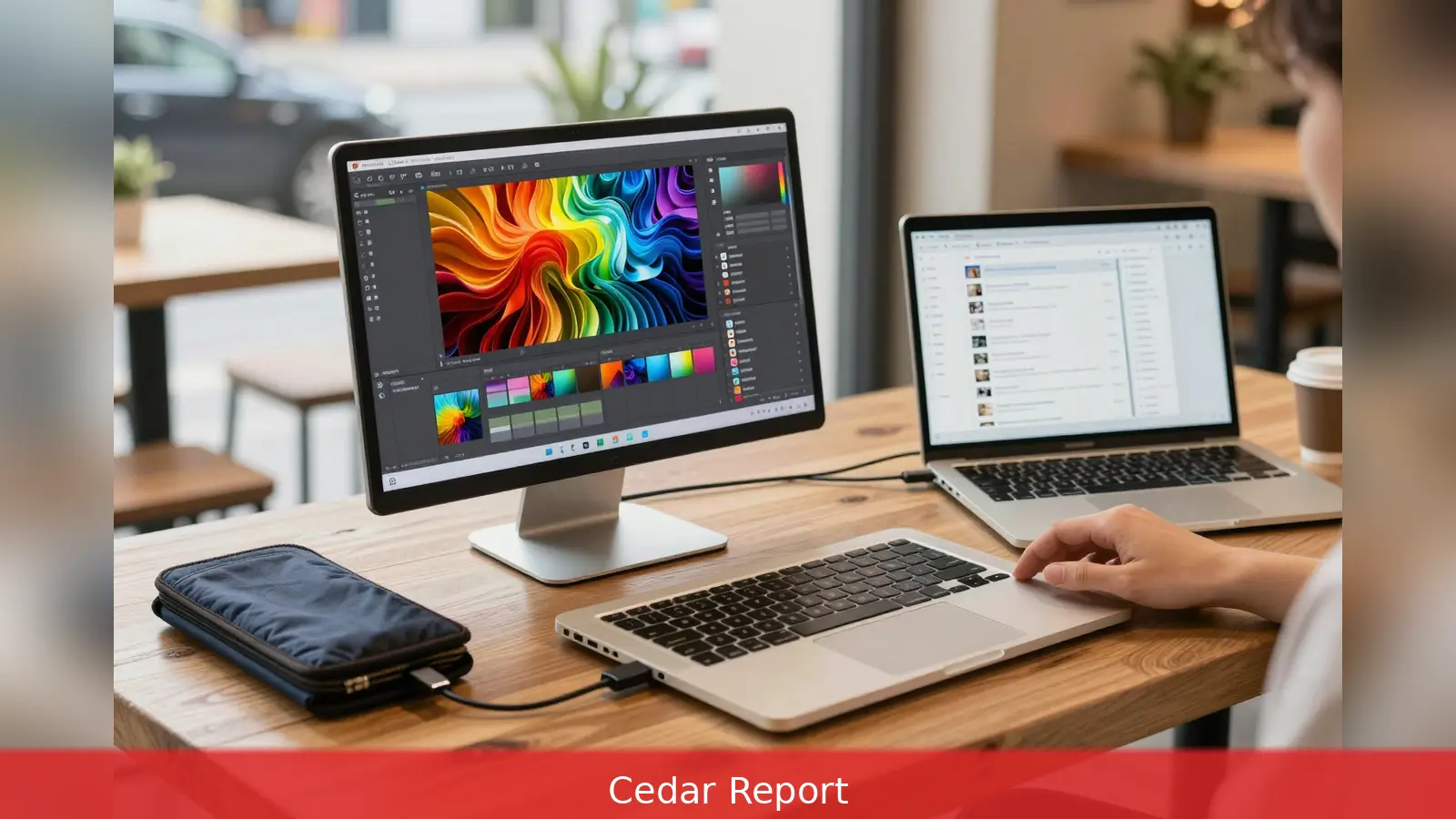
A 1.64 pound travel-friendly screen and a mini-LED creative workhorse do not behave the same way when you actually use them, and that split is the decision that matters most. This guide pulls together hands-on test findings from major reviewers so you can pick, buy, and set up a second screen that fits how you work in 2026. WIRED, PCMag and Technerdo tested overlapping but different models, and their results point to distinct winners depending on whether you prioritise portability, colour accuracy, touch input, or high refresh. Try a monitor in your actual workflow for a few days if you can, because reviewers who ran daily-driver tests say lab numbers only tell part of the story.
A featherweight 1.64 pound design and a mini-LED creative workhorse don't deliver the same experience on a café table or a folding tray. That contrast is where the buying decision should begin.
1. Start by naming the job you need the second screen to do
First, decide the practical problem you want the second screen to solve. If your goal is more desktop space for spreadsheets and browser tabs, reviewers show a 14-to-16-inch IPS or LCD panel with 2560 x 1440 or 1920 x 1080 resolution is a sensible compromise of size, weight, and battery draw. If accurate colour for photo and video work is the priority, PCMag singled out the HP Series 5 Pro 14-Inch WQXGA (514pn) for near-complete coverage of sRGB, Adobe RGB, and DCI-P3 and for strong contrast thanks to Neo:LED mini-LED backlighting.
Second, if you need a drawing surface, pick a touch-capable model that ships with active-stylus support and tested touch drivers for your operating system. Tom's Hardware noted the ViewSonic TD1656-2K includes a stylus, multi-touch support for Windows, and vendor software for macOS. That type of vendor support matters because platform compatibility varies between Windows and macOS.
Worked example: if your daily work is email, documents, and tabs, a 14-inch 1080p IPS monitor will extend your desktop without adding much weight. If you edit photos, the PCMag-tested HP 514pn or similar mini-LED panels will better match your colour targets.
2. Match panel technology, refresh rate and measured metrics to the job
First, map panel technology to task. Review testing shows OLED and Mini-LED panels deliver better contrast and darker blacks, which benefits creative work. By contrast, higher refresh rates improve perceived smoothness for scrolling and light gaming.
Technerdo recommended the ASUS ZenScreen MB16AHG for everyday responsiveness because of its 144 Hz panel, which keeps scrolling and cursor motion crisp, while reviewers include 120 Hz and 144 Hz portable panels in gaming categories when responsiveness is the top priority.
Second, use lab measurements, not marketing bullet points. Tom's Hardware measured the ViewSonic TD1656-2K at about 363 nits, placing it near the top of its class for brightness. PCMag's lab data for the HP Series 5 Pro 14 included measured contrast ratios and near-full gamut coverage, which is why that model is recommended for creators who need predictable colour and shadow detail. RTINGS' broad lab coverage across many models in 2026 is especially useful if you want a numerical basis for comparing brightness, gamut and contrast across dozens of options.
Worked example: if you work outdoors or in bright office lighting, target models whose measured brightness in nits is high in lab tests. If the numbers are similar, prioritise the panel type that the reviewers flagged for your workflow.
3. Power, ports, stands and real-world portability
First, treat connectivity and power as purchase blockers. USB-C with Power Delivery and DisplayPort Alt Mode is the default delivery mechanism for many portable monitors, and reviewers repeatedly warned that HDMI input doesn't carry power. WIRED's tests showed the Arzopa Z3FC draws about 13 watts and therefore didn't require an external power adapter when connected via USB. That single-cable video-plus-power workflow is the feature that most often separates a convenient portable monitor from one that becomes a tangle of bricks and adapters.

Second, evaluate stands, cases and stability. PCMag praised the HP 514pn for a sturdy fold-out kickstand with a wide tilt range. WIRED highlighted magnetic stands and designs that let a monitor float above a laptop screen, which can be useful for particular setups. Reviewers flagged stands and kickstands as a practical differentiator: if you set up and tear down the display frequently, prioritise models whose built-in stand or bundled case secures predictable tilt and resists flex on unstable café tables.
Third, judge portability by real-world measures. WIRED praised the Arzopa Z3FC for balancing a 16.1-inch size with carryability, noting its weight at about 1.64 pounds. Technerdo's hands-on testing required reviewers to use each monitor as a daily driver for at least a week and penalised models that required a separate power brick to hit full brightness. If you commute with a light carry load, aim for models reviewers measured as under roughly 2 pounds and that include a protective sleeve or attachable stand.
Worked example: if you travel with just a laptop and one bag, a monitor under 2 pounds that runs from a single USB-C cable will save you weight and hassle. If you mostly work at a desk and need colour fidelity, accept a slightly heavier mini-LED model with a strong kickstand or a separate desktop stand.
4. Price, compatibility and how to test before you commit
First, weigh price against the feature set you actually need. Review roundups in 2026 showed wide pricing, from under US$100 at the extreme budget end to several hundred dollars for high-end OLED and mini-LED units. WIRED tested about 20 monitors priced from roughly US$70 to nearly US$700 and recommended different value and premium picks depending on the use case. If you only need extra screen space for email and documents, budget models that reviewers called value picks may be the best practical buy. If you need high brightness, wide gamut and stylus support, expect to pay a premium.
Second, confirm OS and laptop port compatibility before you buy. Numerous reviews emphasised that the single-cable experience depends on your laptop's ports. HDMI won't supply power to a monitor and USB-C power delivery rules vary by laptop. Do a quick check of your laptop's technical specifications to confirm whether its USB-C port supports DisplayPort Alt Mode and enough power output. If you can't verify that, choose a monitor that can accept external power or include a bundled power option.
Third, test a candidate in your target workflow for several days if possible. Reviewers who conduct hands-on tests used monitors as daily drivers for at least a week to capture ergonomics, stand stability, glare in real lighting, and whether colour and motion performance meet day-to-day needs. If you can borrow a unit or buy from a retailer with an easy return policy, use it for a few full workdays before committing. Reviewers repeatedly found portability choices that look good on paper can fail in ordinary use.
Worked example: buy from a retailer with a flexible return window and set aside three workdays to run the monitor with your regular apps, in your typical lighting, and on the surfaces you normally use. That practice is what reviewers did when they penalised models for flimsy stands or poor glare control.
In Short:
1. Name the job the second screen must do, then match size and panel to that job.
2. Use lab measurements for brightness, gamut and contrast when colour matters.
3. Confirm single-cable video-plus-power on your laptop, or plan for external power.
4. Prioritise stands and cases that secure stable tilt if you set up and tear down frequently.
5. Test a candidate as a daily driver for a few days where possible.
Related Articles
- LeCun's identifiability theorem and world-model stress test
- Trading Journal: Rules That Improve Returns
- RRSP vs TFSA vs FHSA: which account to use and when
One practical point from reviewers' hands-on testing is that many portable monitors can run from a single USB-C cable on modern laptops. The Arzopa Z3FC is a frequent budget pick that illustrates that single-cable convenience, which helps keep a 16.1-inch monitor genuinely portable.
This article was created with AI assistance.


