
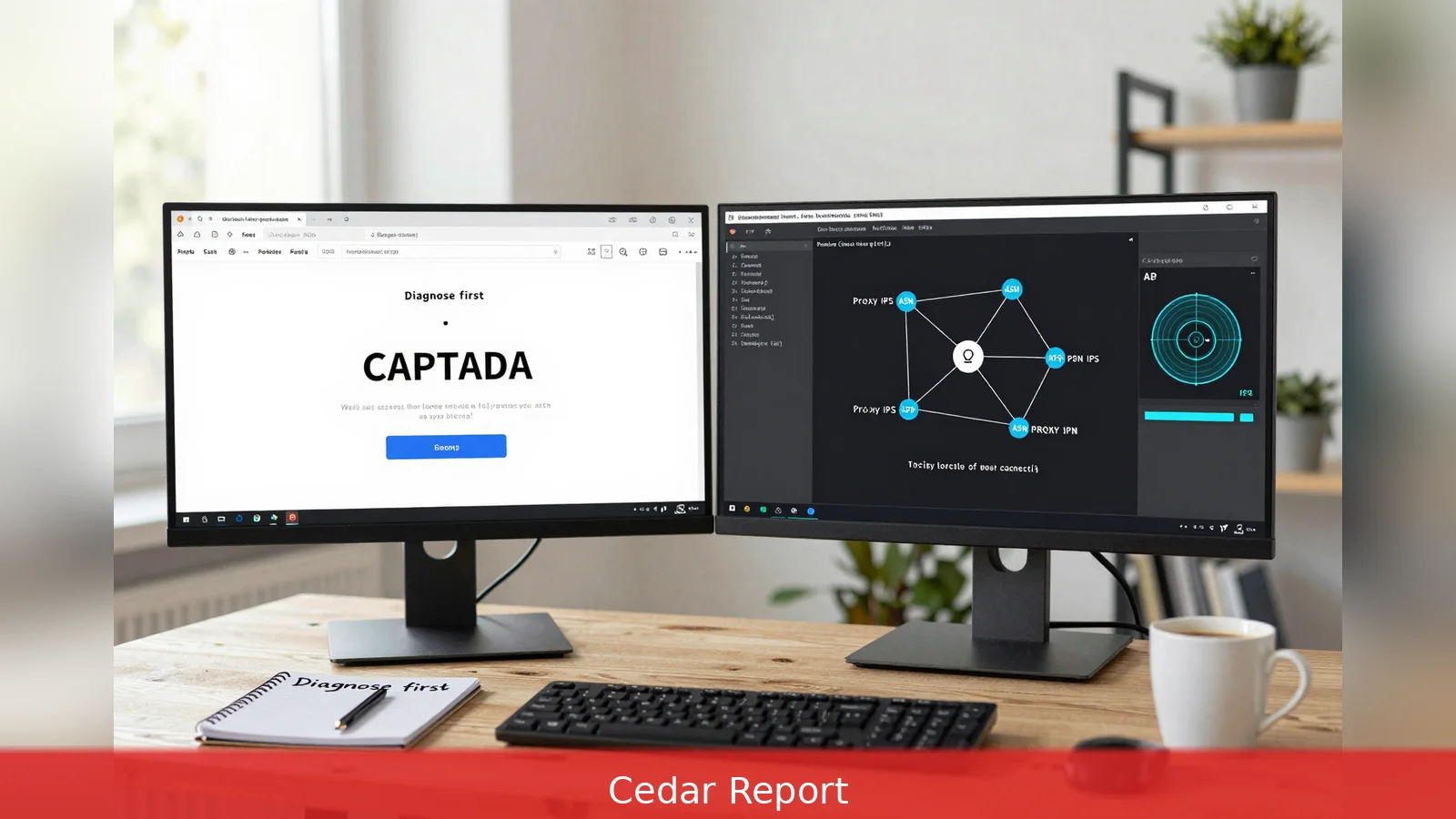
Many engineers still treat an IP ban as a single-address firewall problem, while modern sites combine IP reputation, TLS fingerprinting, browser and behavioural checks. This guide lays out seven repeatable steps that move remediation from swapping one IP to fixing layered detection failures, with practical actions you can take now. It cites vendor guidance from Bright Data, ProxyCove, ZenRows and CapSolver and explains how to sequence diagnosis, short-term recovery and long-term resilience. Follow the steps in order to stop firefighting bans and build a reliable scraping pipeline.
A single fresh IP can clear an immediate block, but it rarely fixes the TLS, browser or behaviour signals that triggered the block to begin with.
1. Diagnose first: confirm and classify the block
Start by confirming whether you face an Application-layer challenge, a rate-limit, or a network/reputation block. HTTP status codes matter: a 403 Forbidden or a visible challenge page with a CAPTCHA points to application-layer defences and fingerprinting, while a 429 Too Many Requests usually signals rate-limit exhaustion. Network-level drops or known data-centre block pages indicate reputation or ASN-level filtering.
Vendor guidance is explicit. CapSolver recommends you capture the HTTP status, any Retry-After header, and a full snapshot of challenge pages. Run a controlled test from a reputable alternate IP and compare the responses. If the alternate IP is served the normal page, the fault is likely IP reputation. If it sees the same challenge, the site is flagging fingerprints or behaviour.
Worked example: you hit a product page and receive a 403 with an inline CAPTCHA. Record the response body, headers, and cookies, then request the same URL from a trusted residential IP. If the trusted session loads the product without a CAPTCHA, treat this as reputation-driven. If the trusted session also sees a CAPTCHA, prioritize fixing TLS and browser fingerprints before rotating proxies.
2. Match your proxy type and rotation to the target
Choose proxies based on the site’s tolerance for reputation signals and on your session model. Bright Data and ProxyCove both advise using Residential rotating proxies for strict targets where reputation is checked, and datacentre proxies only where throughput and cost trump reputation scrutiny.
Rotation strategy must follow your session needs. Use per-request rotation when crawling unrelated pages. Use sticky sessions, also called session-affinity, when you need persistent cookies or to preserve navigation state. ProxyCove outlines both time-based rotation and per-request rotation as basic approaches, and warns that a too-small pool will cause repeated per-IP limits and higher block rates.
Worked example: you are crawling search result pages that don't require login. Configure per-request rotation across a large residential pool so each request appears to come from a different household IP. By contrast, when scraping a logged-in cart flow, assign a sticky proxy to maintain cookies and avoid losing session state.
3. Align TLS and HTTP-level fingerprints with real browsers
Many anti-bot platforms fingerprint the network handshake. Bright Data explains the TLS ClientHello phase is fingerprinted (JA3/JA4 style) and that common HTTP client libraries expose distinctive TLS and header patterns that differ from browsers. Missing or oddly ordered headers are explicit signals to some defences.
Make the handshake look like a mainstream browser: control cipher suites, TLS versions and HTTP/2 settings, and include full, consistent browser-like headers such as User-Agent, Accept-Language and Referer. Reproduce browser-standard header ordering where possible. Use clients or tooling that let you tune these parameters rather than relying on default HTTP libraries.
Worked example: if your library sends an abbreviated Accept-Language header and omits Referer, add those headers and match header order used by current Chrome or Firefox. If the server still flags the session, compare the ClientHello fingerprint against a real browser capture and tune cipher priorities until they align.
4. Use headful browsers and manage browser fingerprints
Block signals also come from JavaScript-level checks. Bright Data and ProxyCove list common triggers: navigator.webdriver, canvas and WebGL inconsistencies, installed fonts, and audio context differences. Static, clickless sessions produce behavioural flags.
Run a full browser that executes JavaScript rather than a raw HTTP client, and apply stealth tooling that corrects headless signatures. Replay human-like interactions: randomize scrolling, open images, click elements and vary viewport sizes. Pacing matters.

Worked example: instead of fetching product HTML and parsing, start a headful Chromium session with stealth extensions that mask navigator.webdriver. Simulate a 7-second dwell, a few scroll events, and a click on a related product. If that session passes where your HTTP client failed, you have confirmed a browser-fingerprint problem.
5. Match request timing to human behaviour
Behavioural analysis flags constant-interval or high-frequency patterns. Avoid exact intervals like 2.00 seconds. Multiple guides recommend randomized delays and exponential backoff for errors. Bright Data recommends variable delays commonly in the 2 to 10 second band for many sites, and both CapSolver and ZenRows stress exponential backoff for repeated 429 or 403 responses.
Also avoid purely sequential traversal. Interleave searches, filters or browsing-like actions to emulate a user session. That reduces the likelihood of being fingerprinted as a simple crawler that marches through every numeric page in order.
Worked example: put in place a scheduler that chooses a 2 to 10 second random delay between page fetches, and uses exponential backoff for repeated 429 responses. Add occasional randomized search queries or simulated filter changes to the session to break straight-line traversal patterns.
6. Solve CAPTCHAs and interactive challenges at scale
Modern defences often combine a hard challenge with reputation and fingerprint tests. CapSolver argues that large-scale automated CAPTCHA handling is essential where sites deploy interactive challenges, and Bright Data highlights that manual solving doesn't scale.
Integrate an automated CAPTCHA-solver for real-time challenges and pair it with rotating residential proxies and fingerprint fixes so the solver isn't the only mitigation. Keep graceful fallbacks: if a solver fails repeatedly for a proxy or fingerprint combination, retire that proxy and re-evaluate the fingerprint settings.
Worked example: when a session receives an inline CAPTCHA, forward the challenge to an automated solver and log solver latency and success rates per proxy. If solver success drops below a policy threshold for a given proxy pool, quarantine those IPs and promote fresh residential addresses.
7. Instrument, monitor and enforce proxy retirement policies
Robust error handling and monitoring prevent temporary blocks from escalating. CapSolver maps HTTP errors to remediation steps: 400-level errors often mean malformed requests or auth issues; 401 shows expired credentials; 402 can indicate paid-access barriers; 403 and 429 usually mean access controls or rate limits. Implement detailed logging of status codes and challenge payloads, track per-IP and per-range failure rates, and set automated rules to retire or quarantine proxy IPs that generate repeated blocks.
Vendors warn that temporary bans can escalate into permanent range-level blocks if a flagged IP is reused. Remove suspect IPs from rotation promptly and scale your pool to avoid reusing the same exit addresses under load. Track ASN-level failure spikes to detect reputation decay across providers.
Worked example: build a policy that retires any proxy IP that returns three 403 or 429 responses within an hour. Log the IP, ASN and timestamp, remove it from the active pool, and flag the provider for replacement if ASN-level failures exceed a threshold.
Combine the layers into a single pipeline
The most resilient systems combine all seven fixes rather than treating them as alternatives. Bright Data and ProxyCove report that pipelines pairing high-quality residential proxies with TLS and browser alignment, headful sessions, CAPTCHA solving and behaviour modelling achieve the lowest ban rates. ProxyCove adds that careful configuration can reduce ban rates into the single digits, while poorly configured scrapers can see ban rates of 70 to 90 percent on highly protected marketplaces.
For small proof-of-concept projects, a self-managed stack should start with a sizeable proxy pool, a headful browser with stealth settings, and a CAPTCHA-solver integration. For scale and long-term reliability, expect ongoing maintenance: update fingerprint settings as browsers evolve, refresh proxy lists to avoid reputation decay, and continuously tune behavioural models against observed challenge rates. Managed scraping APIs such as Bright Data's Web Unlocker can encapsulate many layers behind one endpoint, trading off some control for lower operational overhead.
Technical mitigations intersect with terms of service and local rules. The sources emphasise technical paths rather than legal advice. If you access paid or contractual APIs, follow provider authentication and rate-limit policies rather than attempting to circumvent them, because some 402 or 403 responses may reflect entitlement or licensing restrictions.
Quick recovery recipe: first classify the block using the methods in Step 1. Then switch to a fresh residential proxy from a different IP range and run a headful browser with default browser TLS and header settings. If you still hit a CAPTCHA, invoke your solver. If you get 429 responses, back off aggressively and reduce concurrency. Still if multiple addresses in the same range fail, assume an ASN-level reputation block and migrate providers or use a managed unlocking service.
In Short
• Diagnose the block type before rotating IPs: 403 and CAPTCHA differ from 429 rate limits and network-level drops.
• Use residential rotating proxies for strict targets and sticky sessions where state matters.
• Match TLS ClientHello and HTTP header fingerprints to mainstream browsers and run headful sessions with stealth measures.
• Randomize timing, replay human interactions, and integrate automated CAPTCHA solving. Retire suspect IPs promptly to avoid ASN-level bans.
Related Articles
- GST/HST credit: who gets C$519 or C$533
- 7 steps to apply for an above-guideline rent increase
- 5 steps to get a Calgary Public Library card
Start by diagnosing the block with a trusted alternate IP and a full capture of the challenge payload. Then sequence fixes: switch to fresh residential proxies, align TLS and HTTP fingerprints with real browsers, run headful sessions with stealth measures, randomize timing, integrate CAPTCHA solving and enforce strict proxy retirement. For long-term reliability, treat this as ongoing maintenance: refresh proxy pools, update fingerprint settings as browsers change, and monitor ASN-level failure trends.
This article was created with AI assistance.


