
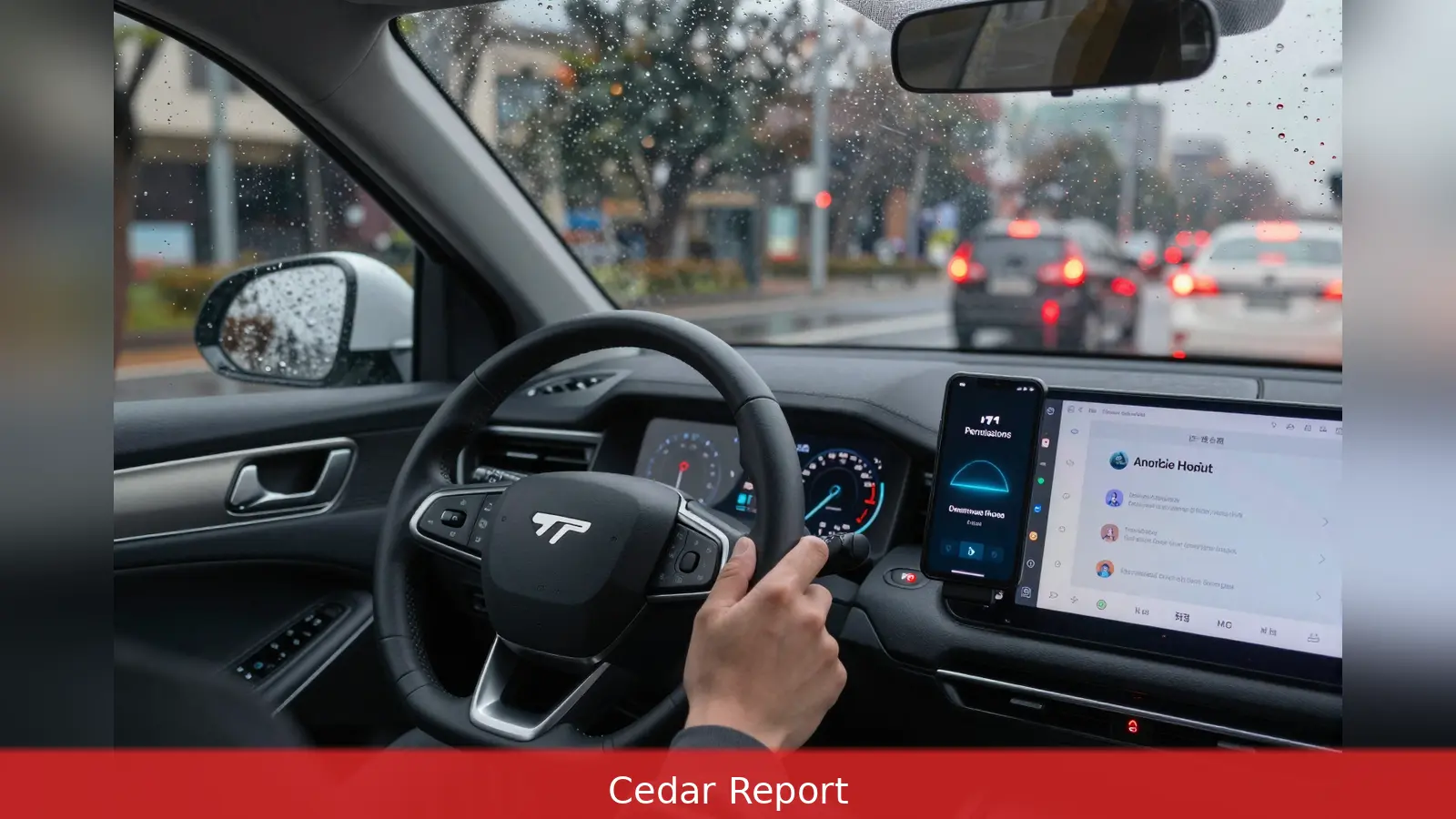
The dash of raindrops on the windshield and a message popping up on the Android Auto screen is the moment many drivers notice how much Google’s Gemini is doing in the car. Google rolled out Gemini as the default conversational assistant in Android Auto several months ago, bringing richer hands-free features but also new privacy trade-offs. ZDNET reported that, by default, Android Auto can access call history, texts, contacts and other personal data and that Gemini can log routes, which some users find intrusive. Changing three settings can preserve basic hands-free use while stopping much passive collection.
At the red light the same system that offered to read and summarize your latest group chat also relied on an always-on microphone and access to location, calls and messages unless you changed the settings. Google made Gemini the primary assistant in Android Auto to enable conversational messaging, calendar management and live contextual help on the dashboard. That integration improves hands-free convenience, but it also concentrates data flows: wake-word detection, app activity and app permissions together determine how much Gemini can learn from time in the car.
Stop ambient listening, keep the steering-wheel voice button
The simplest control is the wake-word toggle. In Android Auto settings on the phone there's a "While driving" or "Hey Google" detection switch. Turning that off stops the in-cabin microphone from continuously listening for the wake word and prevents the assistant from passively collecting ambient audio. Drivers can still trigger voice commands with the steering-wheel voice button, so core hands-free functions remain available.
Google says wake-word detection runs locally on the phone and that audio is only sent to Google servers after the assistant recognises the wake word. The company also says uploaded audio is deleted if it was not an authentic request. Still, reporters who audited their accounts found that disabling always-on detection removed much of the passive cabin audio that otherwise showed up in activity logs, producing a sensible middle ground between privacy and utility.
Audit permissions and Gemini activity logging
Permission management is the second control layer. On Android go to Settings > Apps > Android Auto > Permissions and review what the car interface can access. You can revoke location, contacts, call history and SMS individually. The briefed reporting notes that revoking extras still allows basic Android Auto use while blocking features that rely on those permissions, so drivers who only need navigation and hands-free calling can remove contacts or SMS access without losing core functionality.
The third control is inside the Gemini app itself. Open Gemini, tap your profile or settings and look for "Gemini Apps Activity." Turning that off reduces the amount of data Gemini records from connected apps and from Android Auto interactions.
Reporters who tested this combination found that with wake-word detection disabled and Gemini Apps Activity turned off, the assistant still handles direct commands routed by the voice button but stops passively collecting ambient cabin audio and some contextual app data.

Those three moves are the practical privacy-preserving setup many how-to guides recommend. With full permissions and Gemini as the phone assistant, Android Auto can compose and display outgoing WhatsApp messages, show calendar availability and confirm navigation ETAs without extra prompts. With permissions curtailed and wake-word detection disabled, drivers keep the ability to press the steering-wheel button and ask the assistant to draft or send messages and to check calendar items, while limiting the assistant’s automatic access to the vehicle’s context and the phone’s app streams.
Setting which assistant is active on the phone is separate from the privacy controls. On many Android phones the path is Settings > Apps > Assistant > Digital assistants, where users can switch which assistant is active.
Samsung phones locate the option at Settings > Apps > Choose default apps > Digital Assistant app, with Google normally selected for Android Auto compatibility. If Gemini hasn't been set as the default assistant, Android Auto won't present the same Gemini-driven features.
It is important to note there's no single switch to remove Gemini from Android Auto entirely. Instead, the available tools are granular: toggle off ambient listening, audit app permissions and flip off Gemini Apps Activity. That combination lets drivers tailor how much the assistant learns while keeping the practical benefits of hands-free interaction.
For drivers weighing the trade-offs, the core calculus is straightforward. The assistant’s convenience comes from access to location, messages, contacts and microphone input.
Pull back those permissions and some convenience features stop working automatically, but most direct voice tasks still work when initiated with the steering-wheel button. Several how-to guides and reporters who ran the settings reported that this compromise is the easiest way to preserve safety-focused hands-free use without broad passive collection.
Google’s statements about local wake-word processing and audio deletion explain some of the risk mitigation built into the platform, but the configuration choices rest with the phone user. The company’s integration of Gemini into Android Auto means users must navigate settings in two places: the Android Auto app permissions on the phone and Gemini’s own activity controls.
Drivers who prioritise minimal data collection can follow three practical steps: disable the "Hey Google" or "While driving" detection so the mic isn't always active, audit and revoke Android Auto permissions for contacts, call history, SMS and location that aren't essential, and switch off Gemini Apps Activity inside the Gemini app. Those moves were the path most reporters and guides settled on when seeking a balance between privacy and hands-free convenience.
Related Articles
- Android Auto: 6 customization tricks to try now
- Millions of federal phones forced to run White House app
- Google to pay SpaceX $920M per month for AI compute
One concrete setup to remember: disable ambient listening, revoke nonessential Android Auto permissions, and toggle off Gemini Apps Activity. That trio preserves steering-wheel voice control while preventing much of the passive audio and app data Gemini otherwise records. Originally reported by zdnet.com.
This article was created with AI assistance.


